
Notebook Grid Lines: Choosing Tone & Understanding K
Notebook Grid Lines: Choosing Tone & Understanding K
Compare notebook grid-line preferences and learn what K values mean. Screen illustrations are not print samples. Check paper, line weight and artwork together.
PUNDY / NOTEBOOK GRID GUIDE
How light should
your notebook grid be?
Start with the look you prefer.
Then check the paper, line weight and artwork settings.
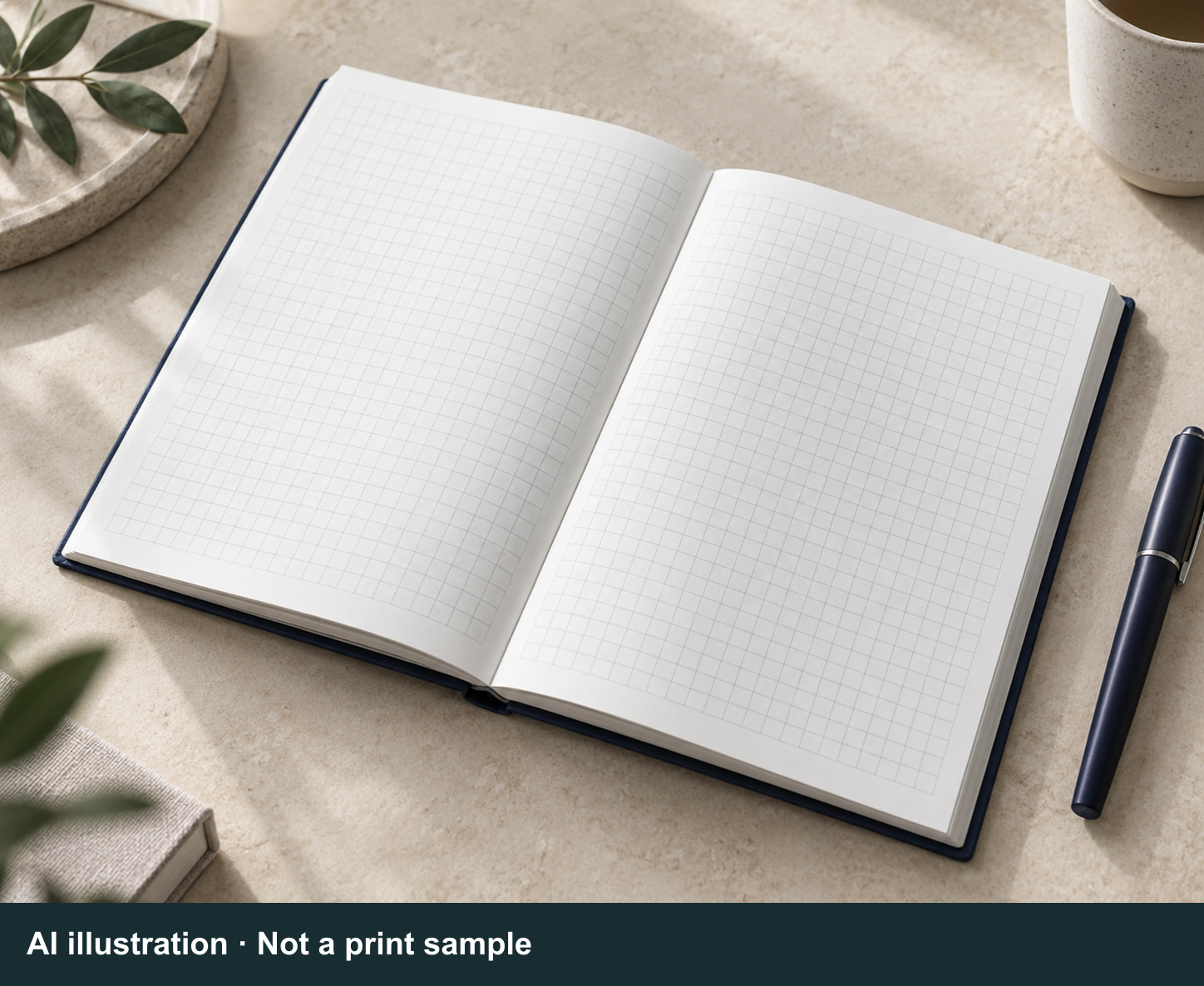 AI illustration · Not a print sample
From faint to deep.
Find your preference.
Try the line style, weight and notes controls. Check the three finer lines below each grid too: how clearly do you need to see them?
Faint, Light, Medium, Dark and Deep describe only the order shown here. They do not correspond to K values. Neither this screen view nor a home or office printout replaces an actual print sample.
Five-tone overview (fixed illustration)
Compare the order here; use the cards below to change line style and weight.
A subtle grid
Can you still find the fine lines and use them to align your writing?
Let writing stand out
If you prefer a light grid, check that the finer lines are clear enough too.
Easier to see
Turn on the notes to see how writing and grid lines look together.
A more visible grid
Compare with and without notes. Does this look suit the way you write?
A strongly defined grid
Do you prefer a clearly defined grid or a quiet background? Start with that preference.
The three bottom lines are deliberately finer; this is not a print dropout test. The weights do not specify production pt or mm values, and the notes use a web font. Controls affect only these five cards, not the AI images below.
See the grid
alongside writing.
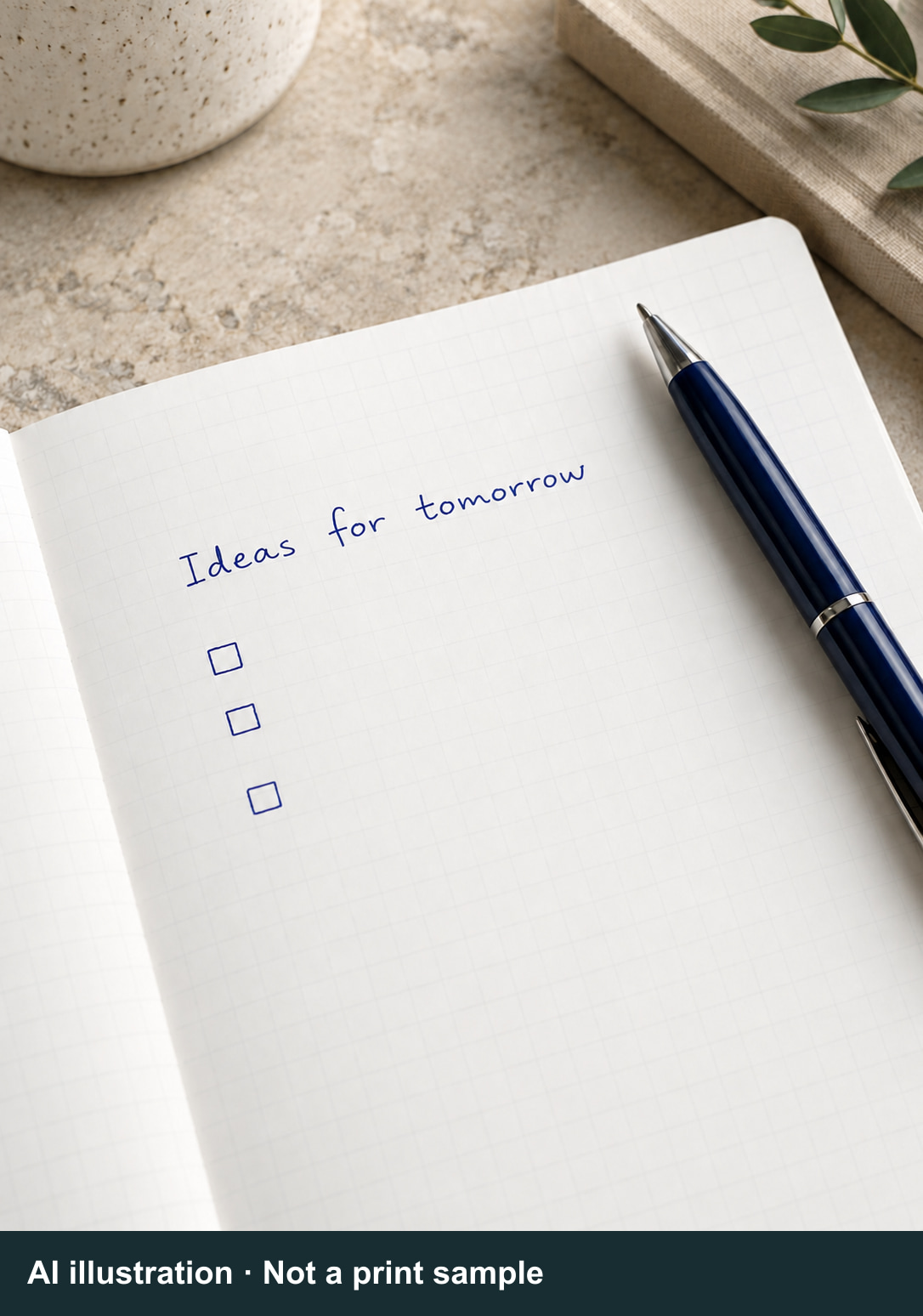
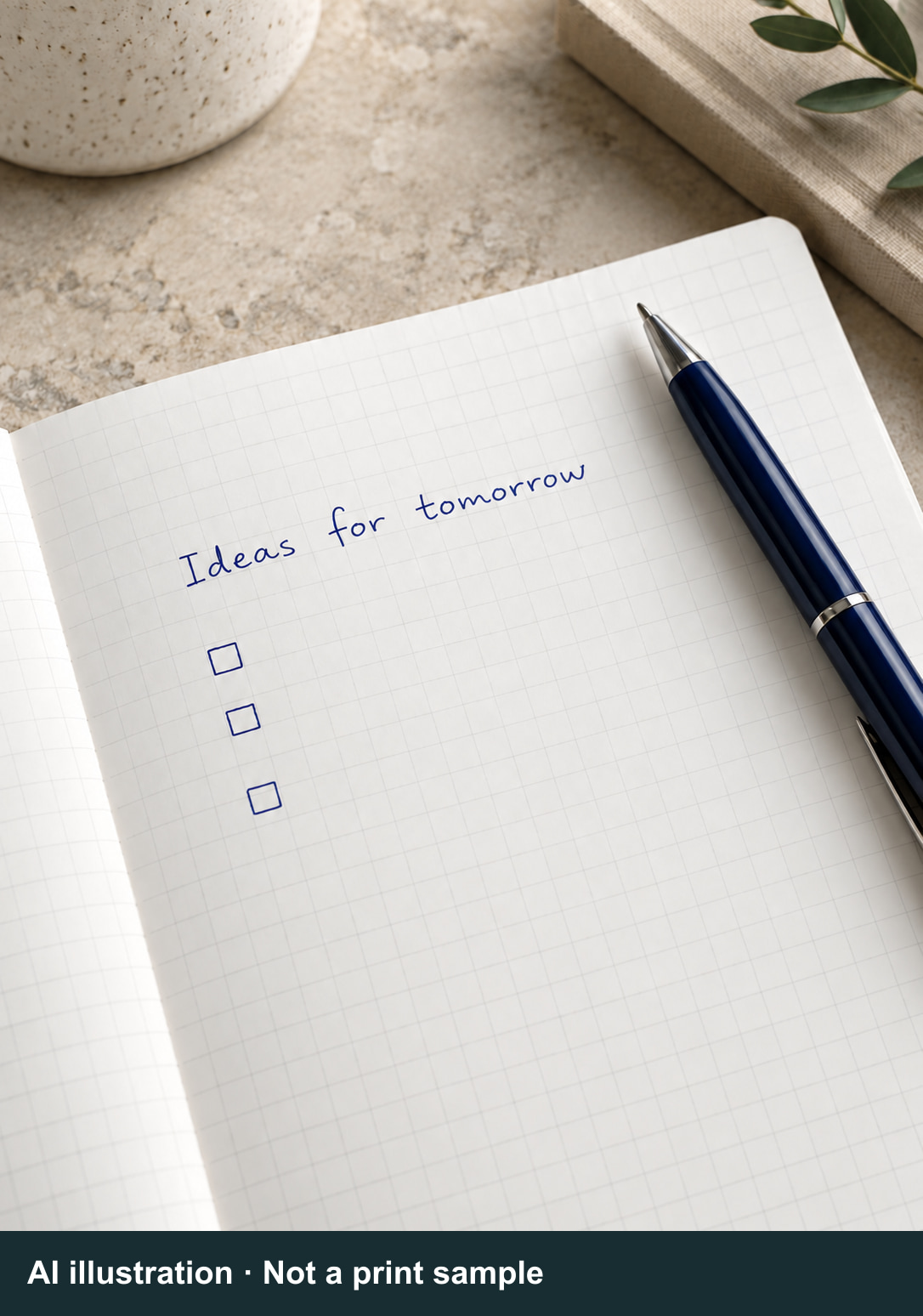
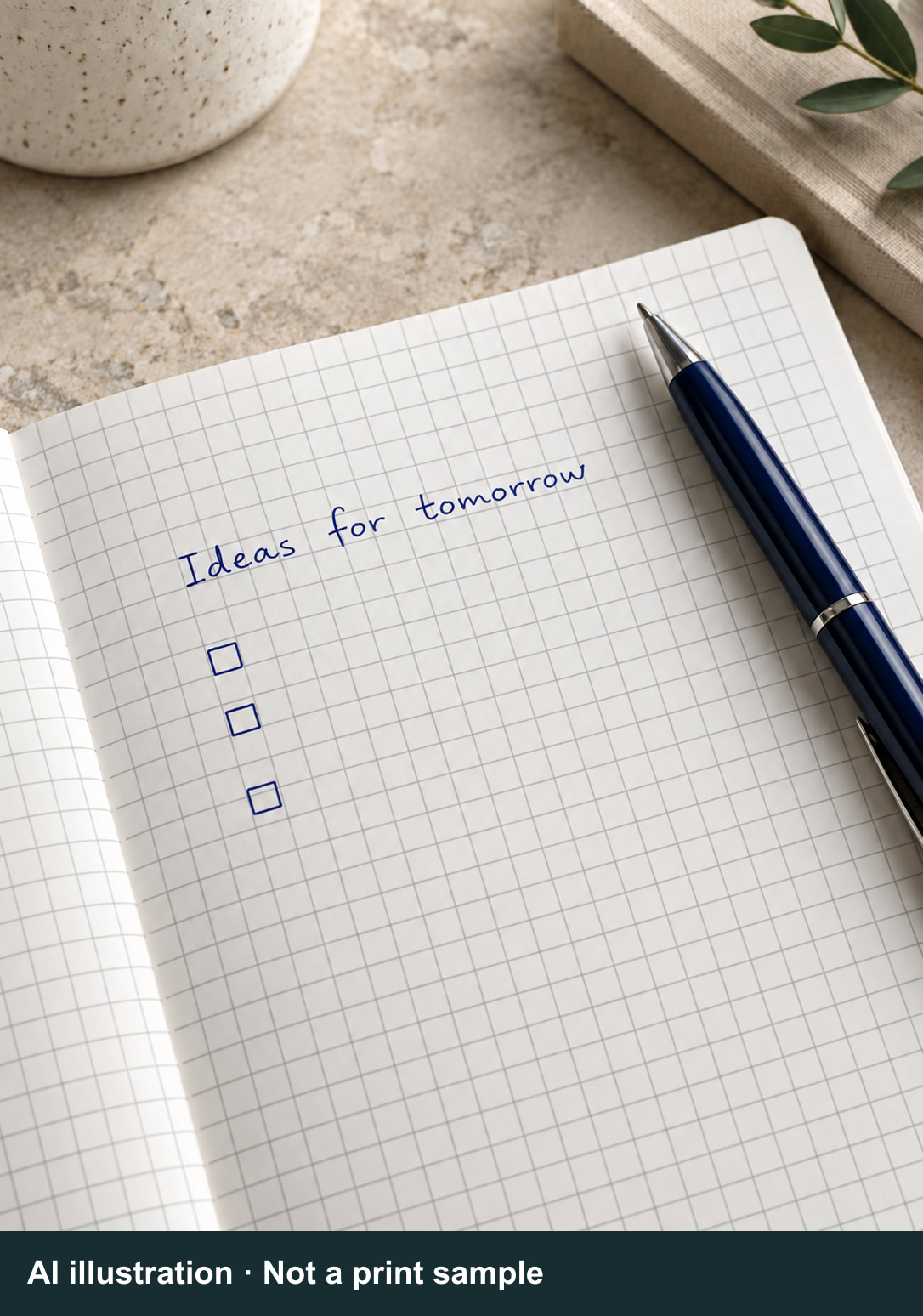
These five AI images illustrate the relationship between grid lines and writing. They are not five print samples. Generated paper, lighting and lines vary; do not infer K values from them.
 AI illustration · Not a print sampleExpand / collapse ↗
An illustrative “faint” scene, not a K setting. The paper, lighting and writing are AI-generated.
Faint
 AI illustration · Not a print sampleExpand / collapse ↗
An illustrative “light” scene, not a K setting. The paper, lighting and writing are AI-generated.
Light
 AI illustration · Not a print sampleExpand / collapse ↗
An illustrative “medium” scene, not a K setting. The paper, lighting and writing are AI-generated.
Medium
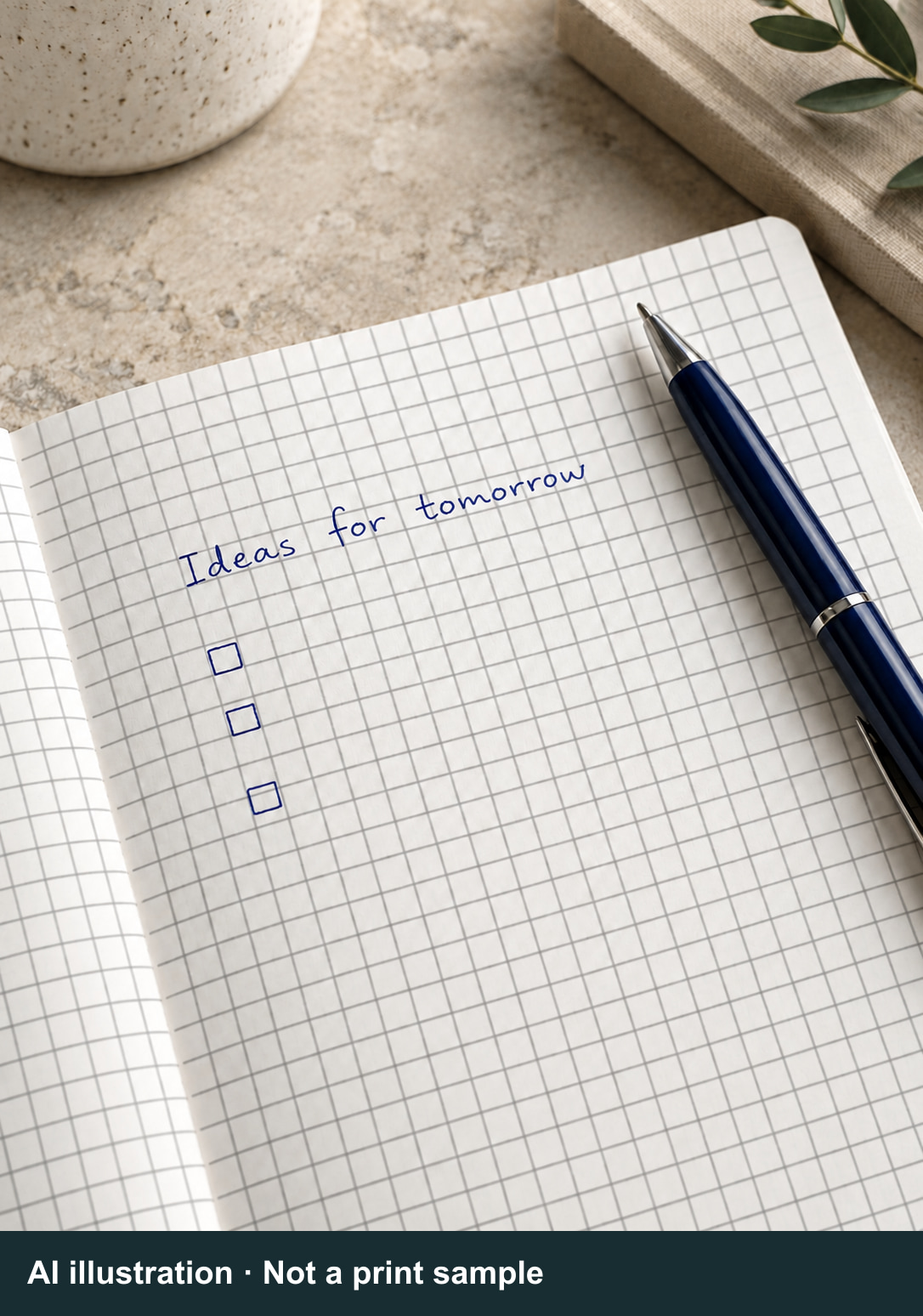 AI illustration · Not a print sampleExpand / collapse ↗
An illustrative “dark” scene, not a K setting. The paper, lighting and writing are AI-generated.
Dark
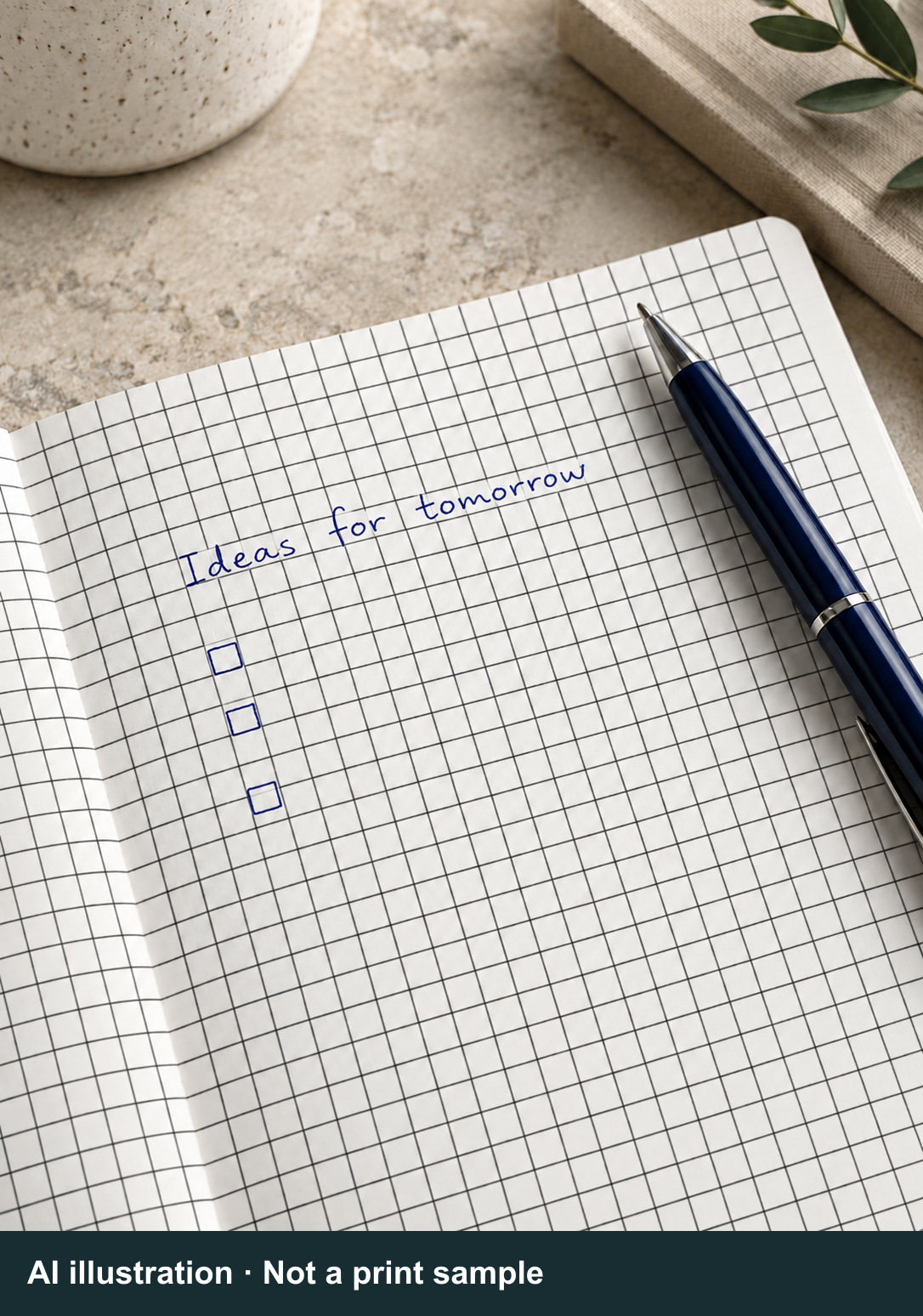 AI illustration · Not a print sampleExpand / collapse ↗
An illustrative “deep” scene, not a K setting. The paper, lighting and writing are AI-generated.
Deep
Click an image to expand it. Each image carries the label “AI illustration · Not a print sample.” These images are not color swatches and are not color-calibrated to the interactive cards above.
K is an artwork setting,
not a promised result.
Tell us the look you want first. Choosing a K value also requires checking the paper, line weight and printing conditions.
Example: C0 M0 Y0 K30
Cyan, magenta and yellow are set to 0%, and black (K) is set to a 30% tint. This does not guarantee a “30% black” appearance, nor does it mean mixing black ink with 70% white ink. The same K setting can look different with different line weights, papers and output conditions.
This artwork example does not correspond to any image above. It is not a recommended setting or an available physical swatch. Our team will confirm which settings to compare based on your artwork and order requirements.
Too faint?
Check more than K.
Is the tone too light,
or is the line too thin?
Is K15 always invisible and K30 always right?
No. Grid visibility depends on the paper, line weight, line style and printing conditions together. The examples here cannot replace an actual print sample made with a particular K setting.
Why is the grid clear in a PDF but faint on paper?
Screens and printed pages show tones differently. PDF software may also enhance thin lines on screen for readability. Check the line weights in the artwork along with the paper and output conditions.
Does black-only artwork always have to use K100?
No. Small black text and QR codes serve a different purpose from intentionally light grid lines. Light gray grids can use a tint of black alone; adding cyan, magenta and yellow is not necessary to make gray.
What if I do not know the line weight?
Send your original Adobe Illustrator (.ai) or PDF file so our team can check its line weights and color settings. Screenshots can communicate a preference, but cannot replace artwork specifications or serve as print-approval references.
Can I see a paper or print sample first?
Tell us the paper and look you need. Our team will check whether a suitable existing print sample is available and whether a new proof is needed. We do not promise a standard set of K-value swatches; sample arrangements depend on the order.
① Describe the look
Do you want a subtle grid or clearly visible lines? Tell us which pens you normally use.
② Check the artwork
Provide the paper specification and original file. We can then check K, line weight and solid or dashed lines together.
③ Agree on a reference
Our team will explain available print references and proof arrangements. Record the agreed conditions; do not approve production against these AI images.
For example: “I want my writing to stand out, but I still need to see the fine lines. I usually use a gel pen. Here are the paper specification and original artwork; please help check the line weight and color settings.” This describes a preference, not a particular K value.
Send your requirements
with your artwork.
If a detail is unknown, ask us to check it.
There is no need to guess a K value.
- Preferred tone and how visible fine lines need to be
- Paper stock, grammage (gsm) and shade
- Original .ai or PDF artwork and finished size
- Line weight and solid or dashed style
- Usual pens and any photocopying or scanning needs
Press Release
-
 4.6★ on Google · Trusted Since 1990
Real emails from international clients. Real Google reviews from long-term partners. See what 36 years of getting the details right looks like — in their own words.
Read More -
 Awards of Taiwan Golden Print
PUNDY won awards of Taiwan Golden Print in 2011.
Read More -
 New Notebook for 2015
The business notebook designed by PUNDY is especially made for office users who love simple and fashionable designs.
Read More